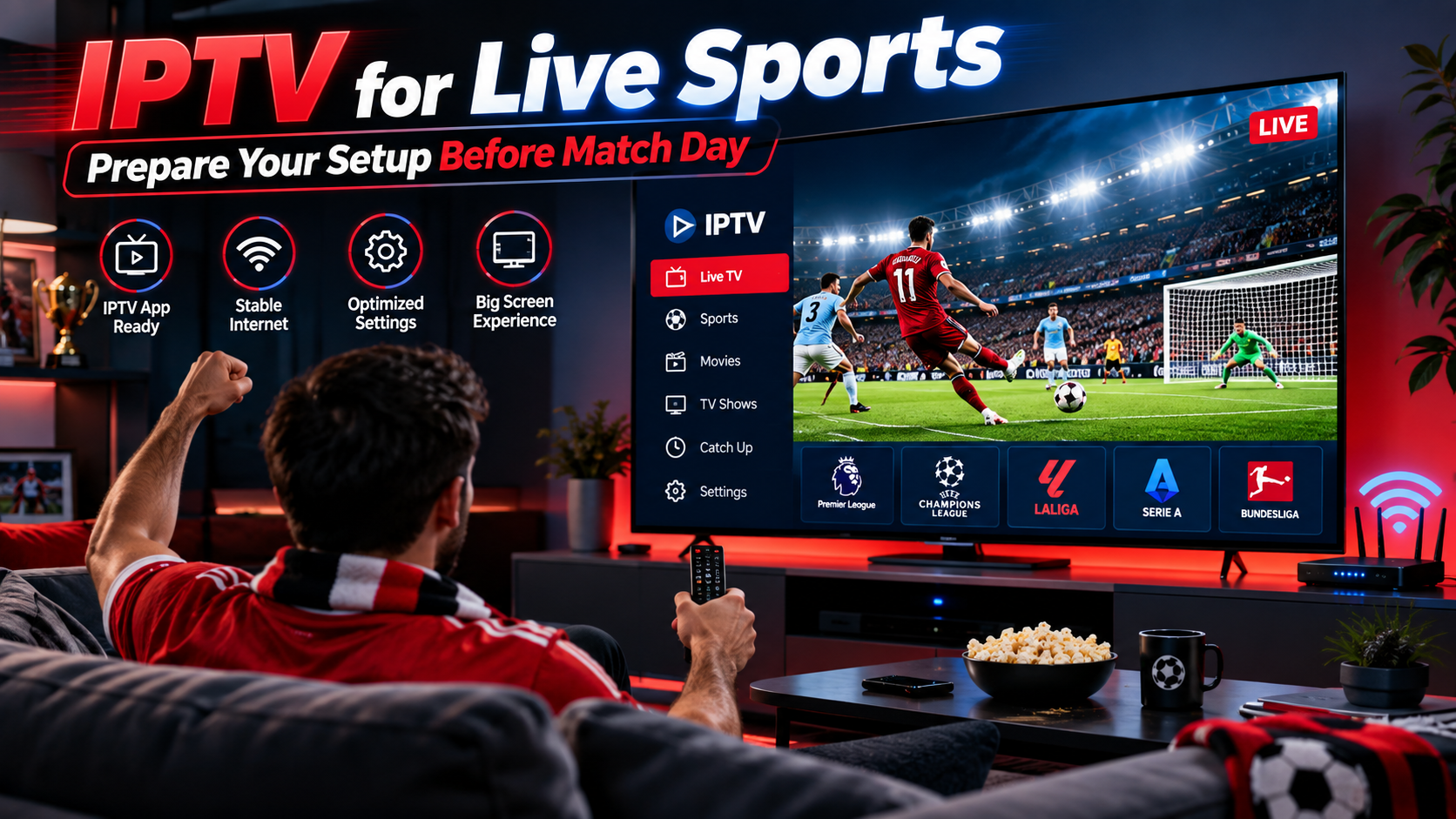
Live sports are one of the main reasons viewers want a fast and reliable television setup. Football, hockey, motorsport, boxing, and other events are much more enjoyable when the picture is clear and the stream remains stable from kickoff to the final whistle.
For IPTV users, preparing the device and internet connection before an important match can help prevent common problems such as buffering, slow channel loading, or poor picture quality. Here is a practical guide to improving an IPTV setup for live sports viewing.
Why Live Sports Need a Reliable IPTV Setup
Live television behaves differently from ordinary on-demand streaming. When watching a recorded film, an application may have more time to buffer content in advance. A live sports broadcast has to be delivered continuously as the event happens.
This makes connection stability especially important.
A good sports streaming setup depends on several factors, including:
Improving these areas can create a smoother viewing experience.
Check Your Internet Before the Match
Do not wait until the event starts to discover that the connection is unstable.
Run a basic internet speed test beforehand and pay attention not only to download speed but also to whether the connection remains consistent.
Reduce Heavy Network Usage
Several devices may be using the same home connection simultaneously.
Large downloads, cloud backups, gaming updates, video calls, and multiple high-resolution streams can consume available bandwidth.
Before an important match, pause unnecessary downloads and limit bandwidth-heavy activities where practical.
Ethernet Can Provide Better Stability
Wi-Fi is convenient, but a wired Ethernet connection is often more consistent for television streaming.
If your Smart TV, IPTV box, or streaming device has an Ethernet port, connecting it directly to the router can help reduce problems caused by wireless interference.
This can be particularly useful for Full HD and 4K sports streams.
When Ethernet is not practical, make sure the Wi-Fi signal reaching the television is strong.
Position Your Router Correctly
Router placement can have a noticeable effect on streaming performance.
Avoid placing the router:
A more open and central position can improve Wi-Fi coverage around the home.
Choose the Right IPTV Device
Many devices can run IPTV applications, but their performance can vary.
Smart TV
A modern Smart TV can provide a simple setup because an additional streaming device may not be required.
Users can install a compatible IPTV player and control everything with the television remote.
Android TV or Streaming Box
Android-based boxes provide access to various IPTV players and can offer additional customization.
They can also be useful when an older Smart TV no longer supports newer applications.
Apple TV
Apple TV can provide a responsive interface and supports compatible IPTV applications available for its operating system.
Smartphone and Tablet
Mobile devices are useful when viewers want to follow a match away from their primary television.
When comparing services and compatible setups, viewers can also review information from providers such as MONSTER IPTV and determine whether the available device options match their own viewing requirements.
Select the Appropriate Picture Quality
Watching football or motorsport in 4K can look impressive, but higher resolution requires more data and greater network stability.
If a 4K stream constantly buffers while a Full HD option plays smoothly, Full HD may provide the better overall experience.
HD
HD requires comparatively less bandwidth and can work well on smaller screens.
Full HD
Full HD offers a good balance between picture clarity and bandwidth requirements for many viewers.
4K
4K provides greater detail on compatible displays but places higher demands on the internet connection and playback hardware.
Always choose a quality level that your network can maintain consistently.
Update the IPTV Application
An outdated IPTV player may contain bugs or compatibility problems that have already been corrected in newer versions.
Before a major sporting event, check whether updates are available for:
Updating software regularly can help maintain compatibility and security.
Avoid starting a major update only minutes before an event, since some devices may require restarts or additional configuration.
Restart Your Device When Necessary
Streaming devices and Smart TVs can remain powered on for long periods.
Over time, applications may consume memory or temporary processes may reduce responsiveness.
Restarting the IPTV device can clear temporary issues and provide a clean start before watching an important match.
Restarting the router can also help in some situations, particularly when the home network has been experiencing connection problems.
Use Favorites for Sports Channels
Searching through a large channel list just before kickoff can be frustrating.
Many IPTV players allow users to create a favorites section.
You can organize frequently watched content into categories such as:
Football
Keep your preferred football channels together for league, cup, and international matches.
Hockey
Swedish and international hockey fans can organize relevant sports channels into a separate category.
Motorsport
Formula racing and other motorsport content can be grouped for faster navigation.
Combat Sports
Boxing, MMA, and other combat sports can also be saved as favorites if supported by the IPTV player.
Good organization makes the interface easier to navigate.
Check the Electronic Program Guide
An Electronic Program Guide, commonly known as an EPG, provides information about television schedules.
When available, it can help users identify:
-
Match start times
-
Current programs
-
Upcoming sporting events
-
Channel schedules
Refresh the EPG periodically if the IPTV application supports this function.
Remember that schedule information can occasionally change, particularly for live sporting events.
Avoid Changing Settings During a Live Match
Once the IPTV setup is working smoothly, avoid unnecessary changes.
Changing router settings, installing applications, clearing application data, or adjusting advanced player settings during an event can introduce new problems.
Test major configuration changes beforehand whenever possible.
Keep a Backup Device Available
If live sports are particularly important to you, having another compatible device available can be useful.
For example, a viewer using a Smart TV might also keep an IPTV application installed on a tablet or supported streaming box.
A backup device does not guarantee access to a particular event, but it can help when the primary device experiences a technical problem.
Use Legitimate Content Sources
IPTV is a delivery technology, and the legality of particular content depends on licensing and distribution rights.
When choosing any television or IPTV service, users should review the provider's terms and make sure they have appropriate access to the content they watch.
This is especially relevant for premium sports, where broadcasting rights can differ between countries and competitions.
Final Thoughts
A reliable live sports experience starts before the match begins.
Check your internet connection, reduce unnecessary network activity, use Ethernet when practical, keep applications updated, and choose a video resolution that your network can handle consistently.
It is also worth organizing sports channels and checking the program guide in advance so that everything is ready when the event starts.
With a properly configured device, stable connection, and suitable IPTV player, viewers can create a more convenient setup for following football, hockey, motorsport, and other live sporting events.




Share this page with your family and friends.